A Stack of Graduation Cards!

It’s that time of the year to make a stack of Graduation cards!
 
 I chose several files that really give you a lot of bang for your buck! These files include multiple years to use for the future as well! I have made these cards numerous times over the years because they really are so classy looking and are so fast and easy to make! 
 
They are easy to personalize by changing up the colors to reflect your school colors. You can then add school initials or add the grad’s name etc. for a bit of personalization. 
Graduation Shaped Card 2024-2037 (SVGSilhouette)
 
Instructions for a Silhouette: enlarge the file by 200% by choosing the symbol that looks like a slash (highlighted in blue-top row on the left side)  and click 200%. That was pretty easy right? Sorry-I’m not familiar on how  you do that on the Cricut.
 
 
 I always like to add a white center insert to my cards, it’s an especially fun detail if you have a shaped card.
 
For this inside insert I took the 2026 from the file and after selecting the 2026 you can right click and choose release compound path (about 2/3 down the list). From there you can pull the outline away and delete all the little pieces. 
5 x7 Graduation Shaped Card (SVGSilhouette)
After cutting out the Congrats Grad pieces – leave all the letters stuck to the mat. It is easier to grab the center parts of the letters and see where to glue them on your card.
Graduation Card with Pocket (SVGSilhouette)
I just made this next one because it was fast and easy.  I decorated the grad hat like I have seen the grads decorate theirs!
I did add an additional 3×3 black square under the  maroon square of the grad hat. 
I hope you have found some fun Graduation inspiration!
 
🎓🎓🎓Sue Kment 🎓🎓🎓

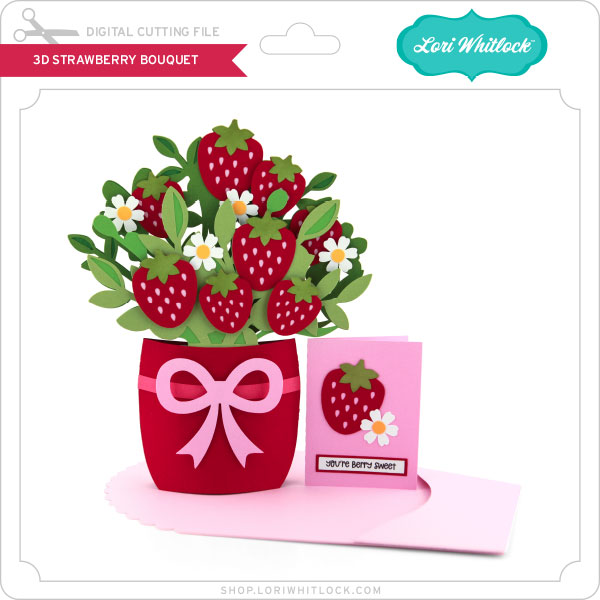
3D Strawberry Bouquet Tutorial

Hello crafty friends! Noelene here today to share a tutorial of my take of the new 3D Strawberry Bouquet (SVG), (Silhouette). Lori has a few different designs to choose from. They are fun & easy to make!
To start cut out all your pieces. Next I created the small card. Then I valley folded the small piece of the envelope & applied glue to the tabs. I aligned it to the bottom & sides of the larger piece. This creates the pocket.

Next if you want to ink any of your pieces do this before you glue any pieces together. I inked the green stems of the strawberries.

 I wanted some dimension on mine, so I embossed the basket with an embossing folder. Remember to spray a light spray of water on your cardstock before you run it through, so that it makes your cardstock more pliable & not tear. Now glue all your panel pieces. I put some small foam squares on my flowers for dimension. I also put foam squares on the strawberries of the smaller green panel, as this will be on the front.
Now to create the mechanism.
Fold the little tab then fold the mechanism in half & glue the tab down.
For the easel leg glue the single tab to the back, then wrap the rest around going to the back & bringing it to the front glueing each tab. This is to make the easel leg sturdy.
Next valley fold both ends in so that it forms an x.
Now apply glue to the mechanism making sure you do not go past the fold on the easel leg.
Now place the glued mechanism on the inside of one of the pot panels making sure to align the leg to the bottom. It should sit a few millimeters beneath the top. Now, glue the top part of the mechanism only & place the other pot panel on top. Hold down for a minute or so till it dries. Now glue the tabs to the inside. I used paper clips to hold down the tabs until they dried.

Next take the larger foliage panel & turn it over. You want to apply glue on the back of the bottom square part. Now turn it over so you can see your front panels & gently slide it in between the back of your x. The glued square should be stuck onto the back pot panel. Now with the smaller foliage panel you will apply the glue onto the front side of bottom square. This time you will slide it into your x on the front folded part of the mechanism so that the glue adhers to the front pot panel.

Lastly I glued down the bow elements & glued a little flower button to embellish. Lastly I finished off by adding some white gel pen. I didn’t do this before I adhered my pieces, but if you do, it makes it a little easier.
To make your bouquet stand on its own, gently squeeze the sides of the pot & fold in the leg of your mechanism. To fold flat, place it back down again.

I hope you enjoyed my tutorial today! I will be definitely making more of these in the near future.
For more inspiration, check out my Instagram!
Thanks for stopping by!
Hugs
Noelene 🙂

Strawberry Jam Shaker Card

Happy Monday everyone! With spring right around the corner I’m starting to think of gardening and canning. My favorite times of the year. With that being said I created this great little You’re Sweet shaker card using the A2 Strawberry Jam Card cut found in Lori’s Shop or at Silhouette.

A2 Strawberry Jam Card

I turned the file into a shaker card. I did a tutorial awhile back how to turn most cut files into a shaker card. That tutorial can be found HERE.

I embossed my “fabric” top and added some bakers twine to the top. I also popped my strawberries with dimensionals. I cut extra strawberries to put on the bottom corner.

I used just some basic sequins for shaker bits with some little strawberries and paper buttons.

Thanks for stopping by and happy crafting!

April Creative Team Blog Hop

April is here—and it’s the perfect time to dive into some fresh creativity! 🌷 Our Creative Team has been busy putting together beautiful projects to inspire you, from fun celebrations to cheerful spring designs. Be sure to hop along to each blog for tons of inspiration—you’re sure to find ideas and projects you’ll be excited to create! ✨

Lori Whitlock <<<(you are here)

💗 April Blog Hop Sale is Here! 💗

From April 14–18, enjoy 30% OFF all digital files at Lori’s SVG Shop — including commercial licenses! Use code APR2026 (case-sensitive) at checkout and stock up on new designs for all your upcoming projects. SHOP HERE.

As a thank-you for hopping along with us, we’ve got a little treat for you! For today only, you can download not one but TWO cards in the Flip Swing Card Birthday Set SVG files absolutely FREE. Simply add it to your cart and complete checkout—no codes, no catches, just a fun gift from us to you. 💝

– NEW RELEASE –

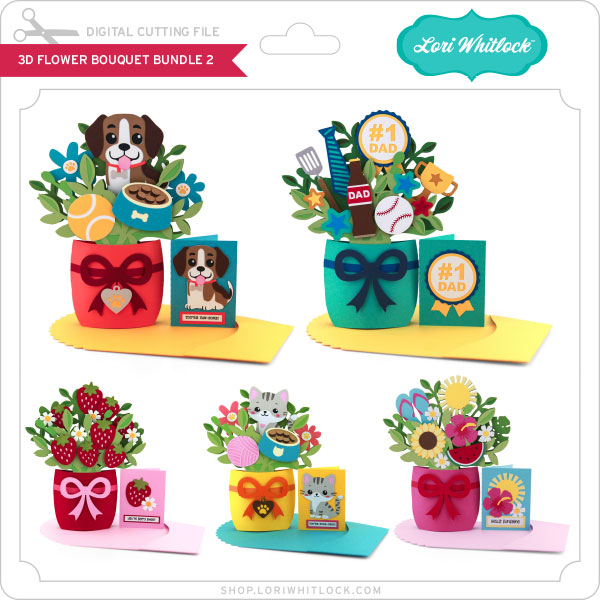
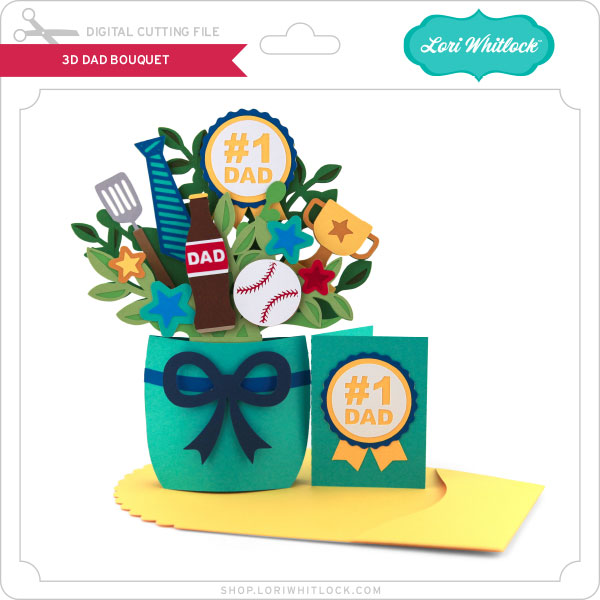
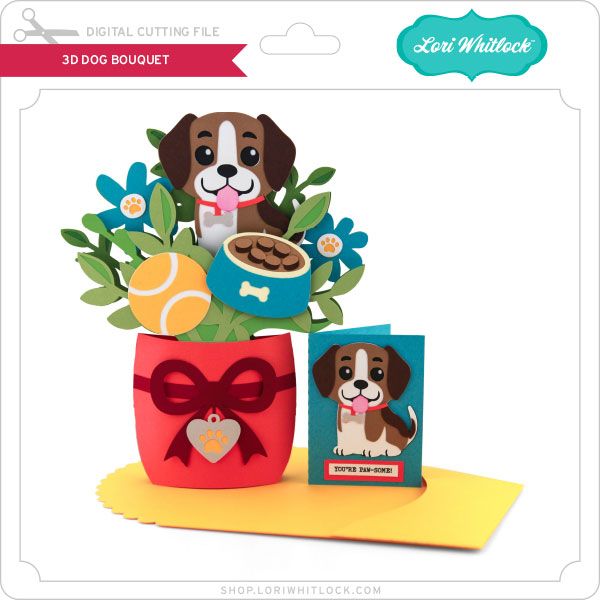
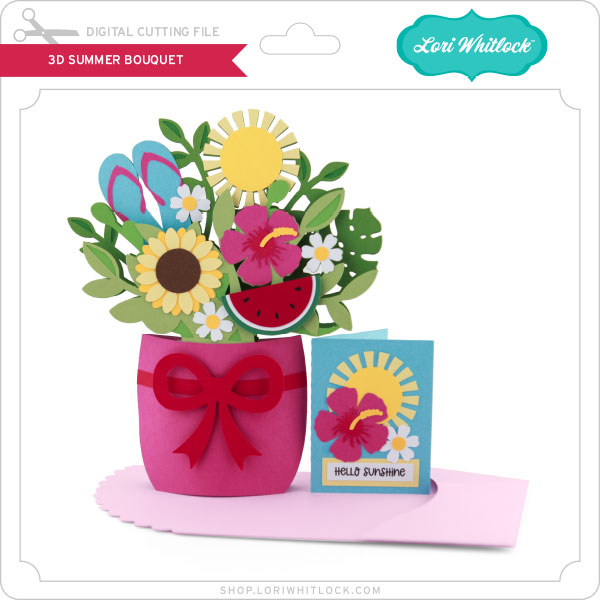
I’m SO excited to share my brand NEW 3D Flower Bouquet Bundle 2! You all seriously blew me away with the love on the first bundle last week—it’s been such a huge hit! 🥹💕 So of course… I couldn’t resist creating a second set for you this week!

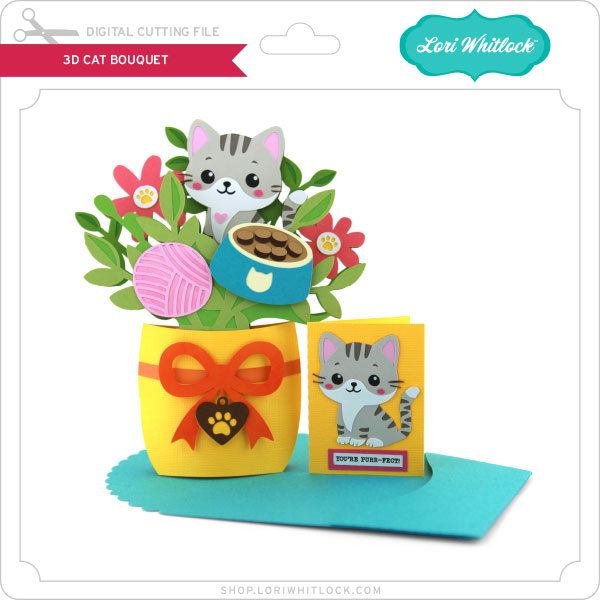
This new collection is packed with fun, themed bouquets that really pop—think Father’s Day, adorable dog and cat designs (I mean… STOP, they are SO cute 🐶🐱), plus sweet strawberry and bright summer vibes. These are the kind of projects that just make people smile! Each one features a dimensional bouquet tucked inside a cute container with a coordinating card—such a fun and thoughtful handmade gift (and honestly… hard to give away because they’re so cute – so you’ll need to make two 😆).

I’ve also got an assembly tutorial waiting for you over on my YouTube channel HERE!
✨ And the best part—grab them for 30% OFF this week only with code APR2026. Don’t wait… this deal won’t last!

***CLICK HERE TO GO TO THE SHOP***

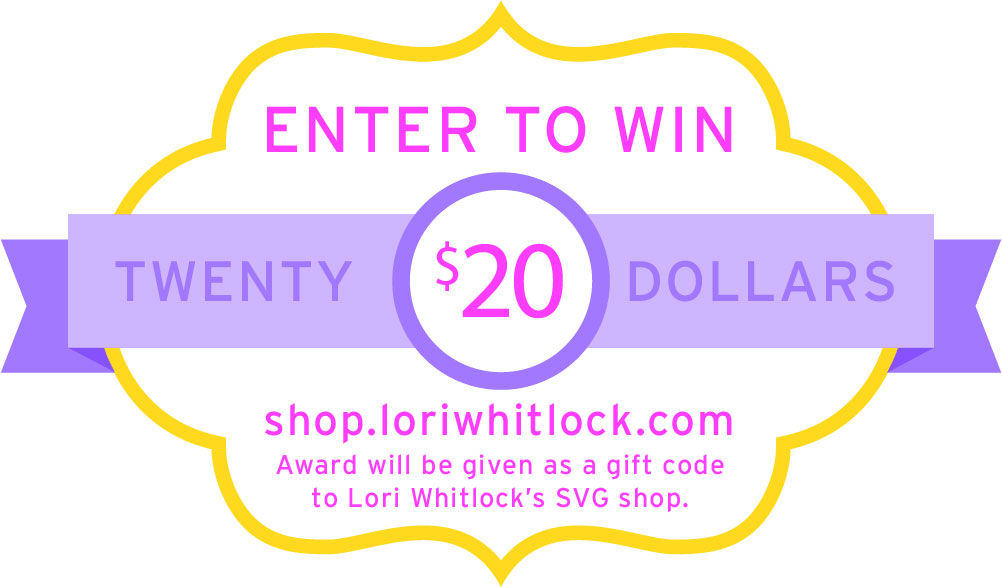
How about a giveaway? You’re in luck! Enter our giveaway below, and we’ll announce the winner on the entry form right here on this blog post. Keep an eye on your inbox—you might be the lucky winner!

Be sure to visit all of the Creative Team member blogs listed above for even more inspiration. Thanks so much for stopping by, and happy crafting!

~Lori