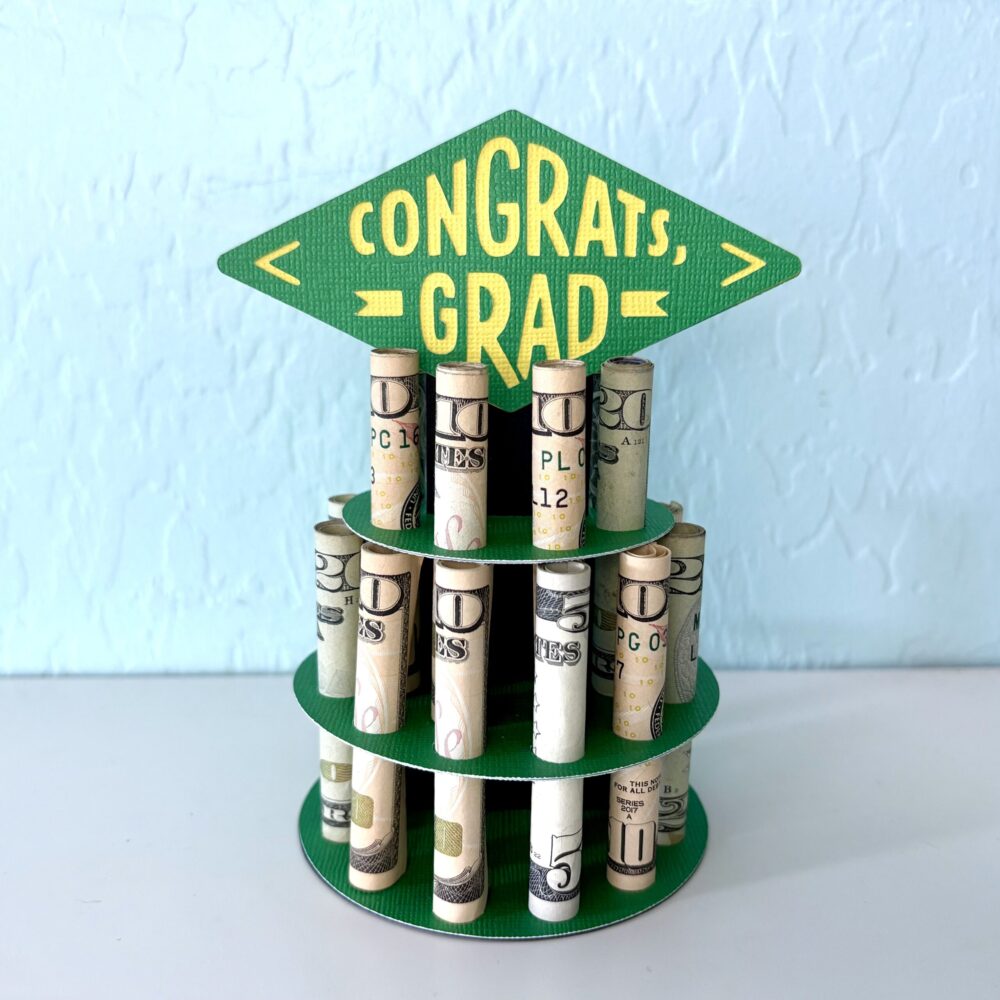
It’s that time of the year to make a stack of Graduation cards!
I chose several files that really give you a lot of bang for your buck! These files include multiple years to use for the future as well! I have made these cards numerous times over the years because they really are so classy looking and are so fast and easy to make!
They are easy to personalize by changing up the colors to reflect your school colors. You can then add school initials or add the grad’s name etc. for a bit of personalization.
Instructions for a Silhouette: enlarge the file by 200% by choosing the symbol that looks like a slash (highlighted in blue-top row on the left side) and click 200%. That was pretty easy right? Sorry-I’m not familiar on how you do that on the Cricut.
I always like to add a white center insert to my cards, it’s an especially fun detail if you have a shaped card.
For this inside insert I took the 2026 from the file and after selecting the 2026 you can right click and choose release compound path (about 2/3 down the list). From there you can pull the outline away and delete all the little pieces.
After cutting out the Congrats Grad pieces – leave all the letters stuck to the mat. It is easier to grab the center parts of the letters and see where to glue them on your card.
I just made this next one because it was fast and easy. I decorated the grad hat like I have seen the grads decorate theirs!
I did add an additional 3×3 black square under the maroon square of the grad hat.
I hope you have found some fun Graduation inspiration!